
The best travel adapter brand depends on where you are going and what you need to power. For a laptop plus several smaller devices, prioritize USB-C output and shared-power rules. For a simple phone trip, a smaller, lower-power adapter may be enough. If you want fewer loose cables, look for a model with a built-in USB-C cable.
Our quick shortlist for 2026 is:
- mfish for a built-in cable and a balanced multi-device setup
- Anker for a compact mainstream option
- EPICKA for a broad range from basic to higher-power adapters
- TESSAN for many port and wattage choices
- UGREEN for USB-C-focused travel charging
- Ceptics for country-specific and grounded adapter kits
- MOMAX for design-led options across several power levels
- OneAdaptr for higher-power laptop-oriented setups
This guide compares current manufacturer positioning and published specifications. It is not a claim that mfish independently lab-tested every model. Product variants, prices, and availability can change, so confirm the exact model before buying.
Quick comparison
| Brand | Best fit | Check before buying |
|---|---|---|
| mfish | Laptop, phone, and accessories with fewer loose cables | Built-in cable is up to 70W; 75W is total output |
| Anker | Compact trips with phones and smaller devices | Lower-power models may not suit laptop charging |
| EPICKA | Buyers who want several size and power tiers | Output and port count vary widely by model |
| TESSAN | Families and device-heavy travelers | Compare the selected variant, not just the product-family headline |
| UGREEN | USB-C users who value a grounded universal design | Availability and model specs vary by regional store |
| Ceptics | Travelers who prefer plug kits or grounded solutions | Kits may use separate attachments rather than one sliding body |
| MOMAX | Design-conscious travelers choosing among several power levels | Confirm destination coverage and shared-output behavior |
| OneAdaptr | Laptop-heavy or multi-laptop travel | Higher power can mean more size, weight, and cost |
How to choose a travel adapter before comparing brands
1. Check the plug type at your destination
A travel adapter changes the physical plug connection. It does not guarantee compatibility with every socket in every country. Check each destination, including stopovers, and confirm the exact plug types your adapter supports.
If you need a destination-first walkthrough, read How to Choose the Right Travel Adapter for Your Trip.
2. Read the voltage label on every device
Look for the input range on the charger or appliance. Many laptop and phone chargers state 100–240V, 50/60Hz, but you should verify the label instead of assuming.
A travel adapter changes plug fit. It does not automatically convert voltage or frequency. Single-voltage appliances, especially heating devices, may need a properly rated converter or a destination-compatible replacement.
3. List the devices you will charge together
Count the devices that may be connected at the same time:
- laptop
- phone
- tablet or e-reader
- earbuds
- watch charger
- camera or handheld gaming device
Then compare the port mix, not just the total wattage. A high headline number is less useful if the adapter does not have the ports your setup requires.
For a deeper port-by-port guide, read Best Multi-Device Travel Adapter in 2026.
4. Check single-port and shared output
The highest USB-C output is usually a single-port figure. When several devices are connected, the adapter may divide its total output. Check the manufacturer’s power-distribution table if you need to charge a laptop and phone at the same time.
5. Decide whether you value compact size or built-in convenience
A small adapter is easier to pack, but it may offer fewer ports or lower output. A built-in cable can remove one item from your packing list, while a separate cable gives you more choice over length and replacement.
1. mfish: best for a built-in cable and multi-device travel
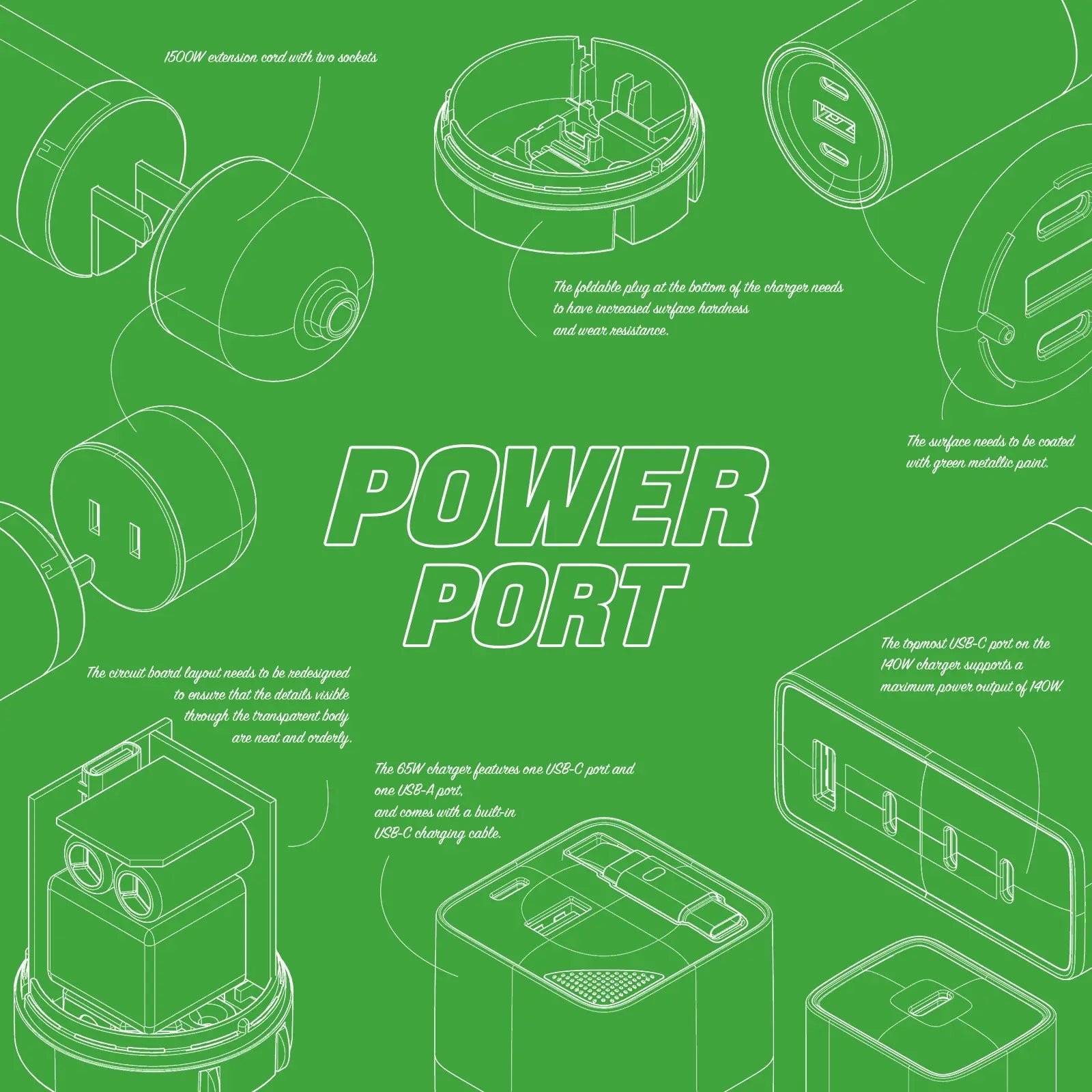
The mfish E-RHINO Travel Adapter is designed for travelers who want one compact charging hub instead of a separate adapter, charger, and primary USB-C cable.
The current product page lists:
- one AC socket, three USB-C connections, and one USB-A port;
- a built-in retractable USB-C cable with up to 70W output;
- 75W total output across the adapter;
- charging for up to five devices;
- a compact GaN body with hidden pins.
Best for: business travelers, students studying abroad, creators, and anyone carrying a laptop plus smaller devices.
Not ideal for: travelers who need more than 70W from the built-in cable, people who prefer a country-specific plug, or anyone using single-voltage appliances without a proper converter.
The most important specification distinction is simple: the built-in cable is rated up to 70W; 75W refers to total output. Actual charging speed depends on the connected devices, protocol, cable path, and how power is shared.
2. Anker: best for a compact mainstream option
Anker’s current travel-adapter range includes compact models such as the Nano Travel Adapter. The brand is a practical place to start if your main goal is charging a phone, tablet, earbuds, and other smaller devices in a small footprint.
Best for: short trips, light device loads, and buyers who prioritize compactness.
Not ideal for: laptop-heavy setups when the selected model has lower USB-C output.
Check the exact model’s USB-C wattage, AC rating, grounding design, and shared output. Do not assume every Anker travel adapter has the same charging capability.
3. EPICKA: best for a wide choice of power tiers
EPICKA offers a broad product family, including basic universal adapters and higher-power GaN models. That range makes it easier to choose between a budget phone-focused adapter and a more capable USB-C model.
Best for: buyers who want multiple model tiers and port combinations from one brand.
Not ideal for: anyone who compares only the brand name without checking the exact variant.
For example, EPICKA’s TA-105 and TA-105 Max differ substantially in power and port configuration. Compare the exact SKU, not a general “EPICKA adapter” label.
4. TESSAN: best for families and port-heavy setups
TESSAN’s travel-adapter range spans compact models and higher-output GaN products with several USB-C and USB-A ports. That variety can suit families, shared hotel rooms, and travelers carrying many devices.
Best for: people who want several ports or a choice of wattage levels.
Not ideal for: buyers who want the smallest possible adapter or who do not need the extra ports.
TESSAN often groups multiple wattage variants on one product page. Confirm which variant is selected and read that variant’s total output and power-distribution details.
5. UGREEN: best for USB-C-focused travel charging
UGREEN offers travel-adapter and travel-charger options aimed at modern USB-C setups. Its universal GaN models can be attractive when laptop charging and a grounded connection matter.
Best for: USB-C laptop and phone users who want a modern port mix.
Not ideal for: travelers whose regional UGREEN store does not carry the same model or whose destination needs a plug outside the listed coverage.
Because UGREEN listings vary by country storefront, verify the local SKU, plug system, warranty region, and output table before ordering.
6. Ceptics: best for country-specific and grounded adapter kits
Ceptics is useful for travelers who prefer interchangeable country attachments or a grounded adapter kit instead of a single sliding universal body. A plug kit can be a better fit when you are staying in one region for longer or want a more destination-specific connection.
Best for: study abroad, extended stays, grounded North American plugs, and travelers who want uncommon destination attachments.
Not ideal for: minimalist packers who want a single all-in-one cube.
Check how many attachments the kit includes, whether the AC outlet is grounded, and whether the USB output is high enough for your devices.
7. MOMAX: best for design-led options across several power levels
MOMAX’s 1-World range includes compact lower-power options and more capable GaN models. The line is useful for travelers who care about both design and the ability to choose a power tier.
Best for: travelers who want a polished all-in-one design and a choice between phone-focused and laptop-capable models.
Not ideal for: buyers who do not want to compare several similar-looking variants.
Confirm the exact model’s destination coverage, total output, USB-C single-port output, and multi-port split.
8. OneAdaptr: best for laptop-heavy travel
OneAdaptr’s OneWorld line emphasizes higher-power USB-C charging and multi-device use. Models such as OneWorld65 are aimed at travelers who want to power a USB-C laptop without carrying a separate laptop brick.
Best for: laptop-first travel, multi-device work trips, and users willing to carry a larger power hub.
Not ideal for: light phone-only trips where a smaller, lower-cost adapter is enough.
Higher wattage is not automatically better. Compare size, weight, price, plug coverage, and the output available when several ports are active.
Which brand should you choose?
Choose the adapter that solves your actual trip:
- Choose mfish if a built-in cable and balanced laptop-plus-phone setup matter most.
- Choose Anker for a compact, lower-power mainstream option.
- Choose EPICKA or TESSAN if you want many model tiers and port layouts.
- Choose UGREEN for a USB-C-focused universal option.
- Choose Ceptics if you prefer country-specific or grounded attachment kits.
- Choose MOMAX if design and a range of power tiers matter.
- Choose OneAdaptr if laptop-level power is the priority and you accept extra size and cost.
Before checkout, verify destination plug support, your device input voltage, single-port output, shared output, and the current in-stock variant.
FAQ
What is the best travel adapter brand in 2026?
There is no single best brand for every traveler. mfish is a strong fit for a built-in cable and multi-device setup; Anker suits compact trips; Ceptics suits country-specific or grounded kits; and higher-power EPICKA, TESSAN, UGREEN, MOMAX, or OneAdaptr models can suit laptop-heavy travel. Choose by destination and device list, not brand alone.
Is a travel adapter the same as a voltage converter?
No. A travel adapter changes the plug connection. A voltage converter changes electrical voltage. Check each device’s input label and follow the manufacturer’s instructions.
Can I use a universal travel adapter in every country?
Not necessarily. “Universal” usually means broad coverage, not every socket variation worldwide. Confirm the plug type for every destination and check the adapter’s supported-country list.
How many watts do I need for a laptop?
Check the laptop or its original charger for the required USB-C power. Then confirm the travel adapter’s single-port USB-C output. If you will charge several devices at once, also check the shared-output table.
Is a built-in USB-C cable worth it?
It can be if you want to reduce forgotten or tangled cables. A replaceable separate cable may be better if you need a special length, higher rating, or easier field replacement.
What should I do if an adapter becomes unusually hot?
Disconnect it and stop using it if it becomes excessively hot, smells unusual, shows discoloration, or has a loose connection. Confirm that the connected devices are within the adapter’s ratings and follow the product manual or contact the manufacturer.
Final recommendation
Start with destination compatibility and device voltage, then choose the port mix and power level. For travelers carrying a laptop, phone, and smaller accessories, the mfish E-RHINO Travel Adapter is worth considering because it combines a built-in USB-C cable rated up to 70W with a 75W total-output, five-device layout.
If your trip is phone-only, a smaller adapter may be a better buy. If you need very high laptop power or several high-draw devices at once, compare a higher-output model and read its shared-power table before ordering.
Sources and specification checks
- mfish E-RHINO Travel Adapter product page
- Anker travel-adapter collection
- EPICKA TA-105 Universal Travel Adapter
- TESSAN universal travel adapter
- UGREEN Universal GaN 65W travel adapter
- Ceptics World-Way travel adapter kit
- MOMAX 1-World universal travel charger
- OneAdaptr OneWorld65
- Energy Safe Victoria: travel adapters and USB chargers safety guidance



Laisser un commentaire
Ce site est protégé par hCaptcha, et la Politique de confidentialité et les Conditions de service de hCaptcha s’appliquent.