
Modern charging decisions are less about finding the single highest wattage number and more about matching power, ports and physical design to the devices that need to work together. A laptop, phone, tablet, earbuds and wearable may all use USB-C or wireless charging, but they do not necessarily draw the same power or support the same protocols.
This guide organizes the decision around four common situations: a fixed desk, a mobile dual-laptop workflow, an everyday bag with fewer loose accessories and international travel.
1. Start With the Devices, Not the Charger
List every device that may need charging and note three things:
- The maximum input power supported by the device
- Whether it uses USB-C, USB-A, wireless charging or an AC adapter
- Which devices are likely to charge at the same time
A charger rated for 140W does not force 140W into a phone. Compatible devices negotiate the power they support. At the same time, a charger with a high single-port rating may divide power differently when a second, third or fourth device is connected.
The practical question is therefore not only “What is the maximum wattage?” It is also “What does each port provide in the combination I will actually use?”
2. For a Fixed Desk, Count USB-C Ports and AC Outlets
A fixed home-office, gaming or creator setup may include devices that charge through USB-C alongside equipment that still needs a conventional AC outlet. Centralizing both types of connection can reduce the number of adapters and power strips spread across the desk.
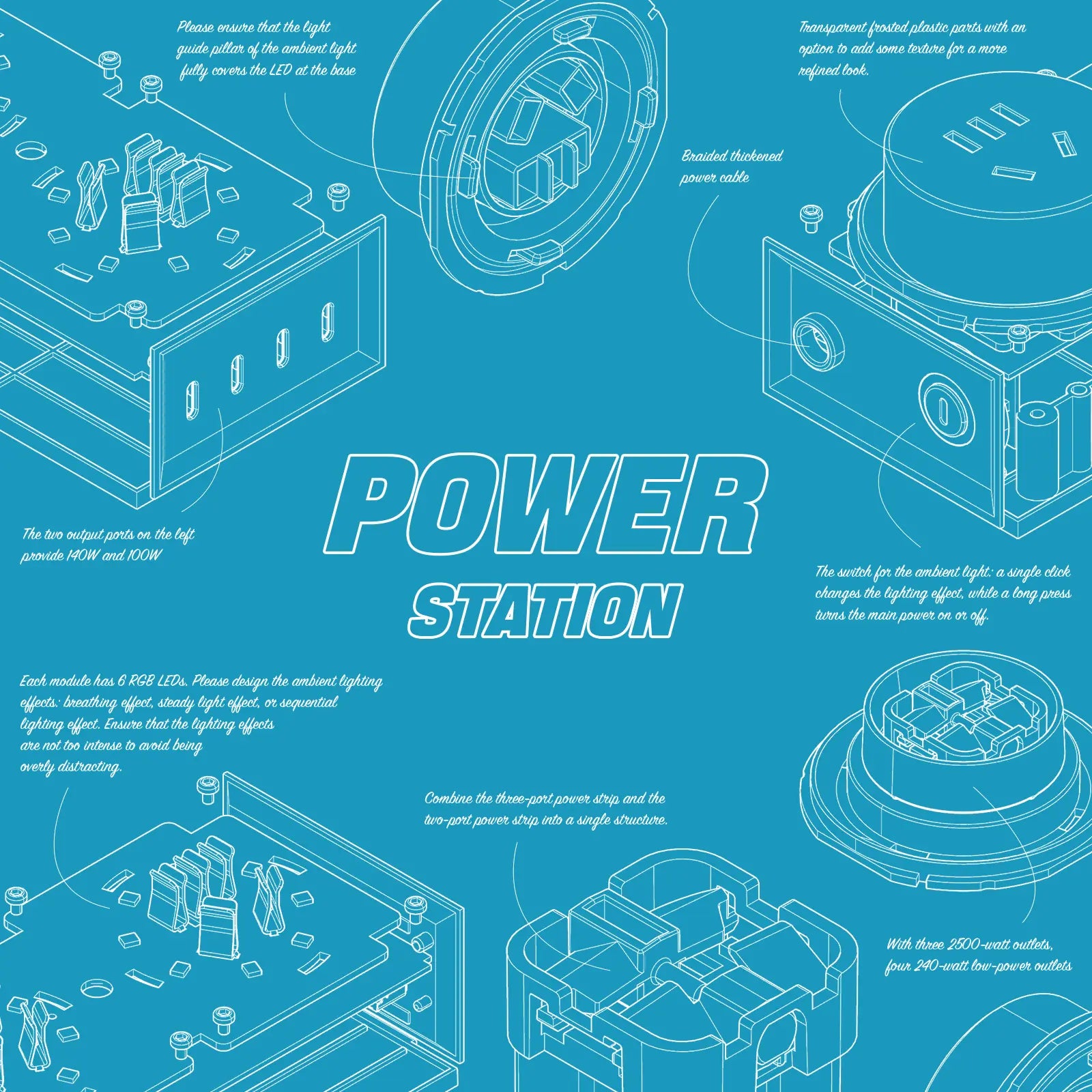
The mfish E-Tank 240W GaN Desktop Charging Station combines four USB-C ports with three AC outlets. Its USB-C section provides up to 240W total output. With all four USB-C ports active, the listed allocation is up to 100W, 100W, 20W and 20W. Its three AC outlets provide up to 1,250W combined output for compatible equipment.
When evaluating a desktop station, also check outlet spacing, cord length, base stability and whether lighting or display features can be turned off.
Product information: https://www.imfish.com/products/mfish-e-tank-gan-240w-power-station
3. For Two Laptops, Check Dual-Port Allocation
Someone carrying two higher-power USB-C devices should look beyond the largest single-port number. A charger may deliver its maximum output to one device but use a different allocation when both are connected.
The mfish E-RHINO 165W GaN Charger provides up to 140W from either of its first two USB-C ports during compatible single-port use. With those two ports active together, it can allocate up to 100W and 65W. Its live display shows total output, individual port wattage and charger temperature.
Before relying on any dual-laptop setup, confirm that both laptops support USB-C charging and that the cables are rated for the intended power.
Product information: https://www.imfish.com/products/mfish-e-rhino-charger-165w
4. To Reduce Loose Accessories, Look for Integrated Components
An integrated cable or wireless surface can make a daily kit simpler, provided it matches the devices being carried.
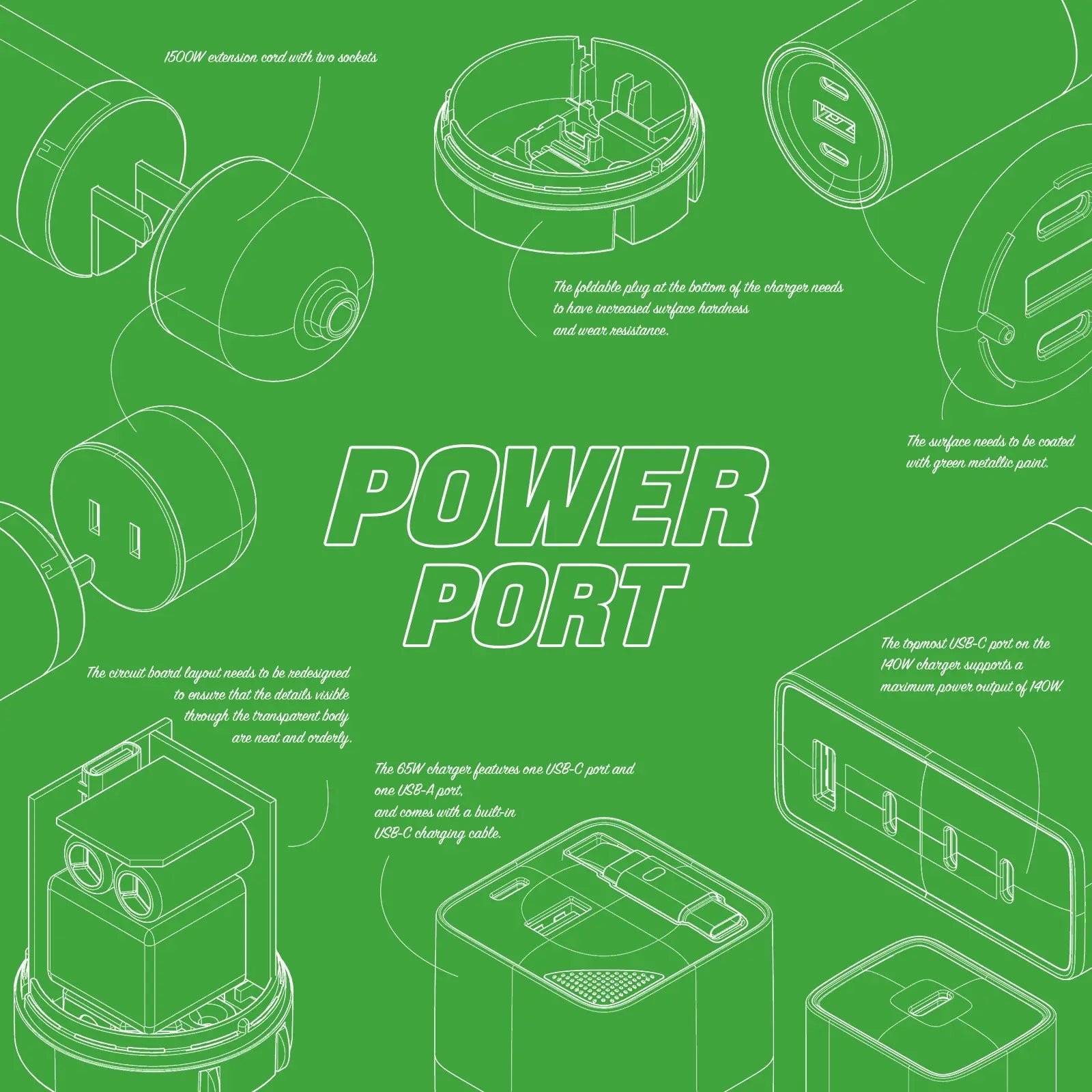
The mfish E-Monster 65W 3-in-1 Charger combines wired charging, magnetic wireless charging and a built-in retractable cable. Its foldable plug is intended for compact storage. Wireless alignment and charging performance depend on the phone and case, so compatibility should be checked before travel.
Product information: https://www.imfish.com/products/mfish-e-monster-3-in-1-charger65w-wireless-charging-built-in-retractable-cable
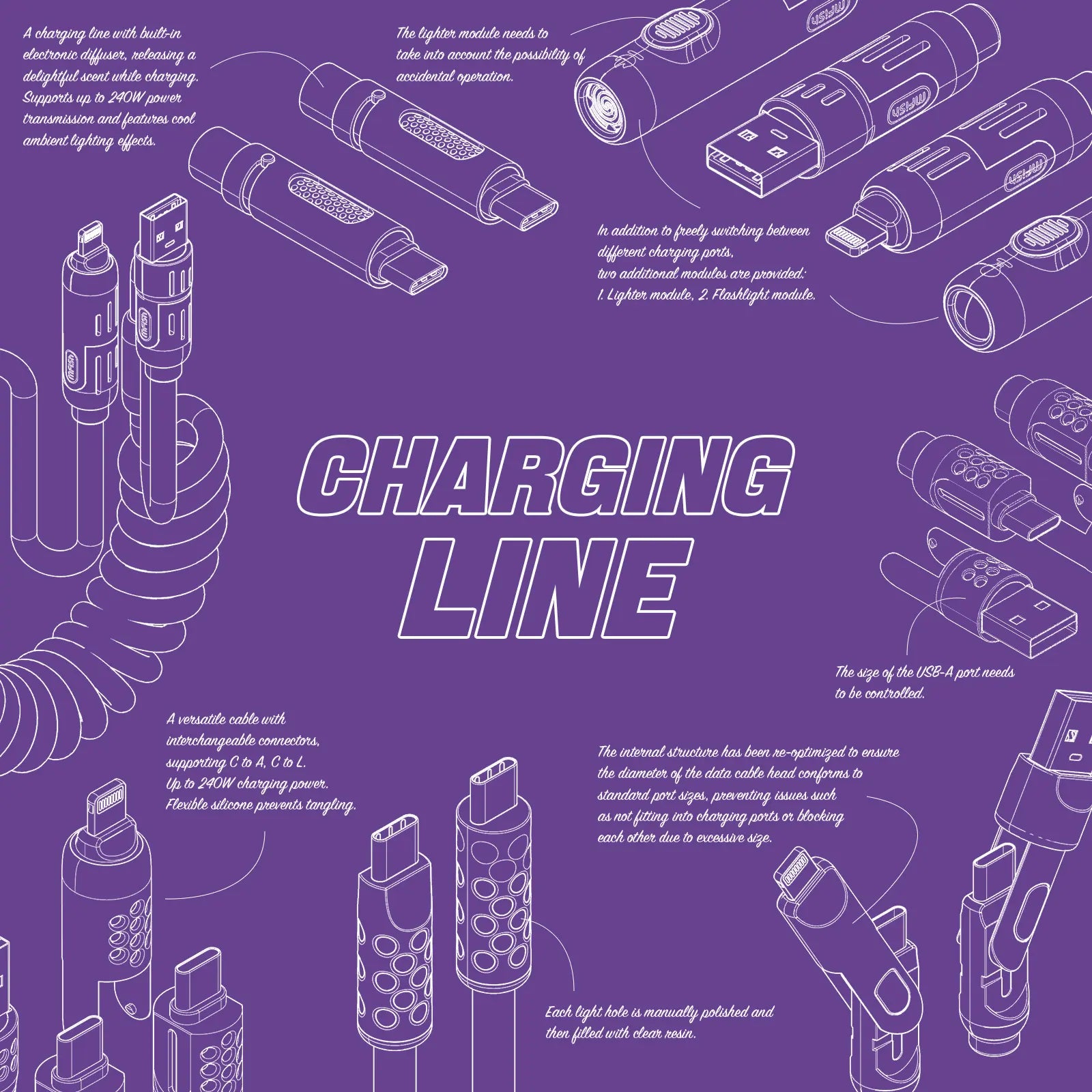
The mfish Phone Lanyard approaches the same problem from the accessory side. It combines an adjustable neck or crossbody strap with a concealed USB-C-to-USB-C cable. The product is intended for compatible full-coverage cases with a closed bottom edge that can retain the tether tab securely.
Product information: https://www.imfish.com/products/mfish-phone-lanyard-240w-usb-c-cable-adjustable-strap
5. For International Travel, Separate Four Different Questions
International charging involves four separate compatibility checks:
1. Does the plug physically fit the destination's outlet?
2. Does the charger accept the destination's input voltage and frequency?
3. Do the charger, cable and device support the same charging protocol?
4. How is power divided when several devices are connected?
The mfish E-RHINO 70W Global Travel Charger incorporates U.S., EU, U.K. and Australian plug configurations and includes two USB-C ports and one USB-A port. The integrated formats are intended for use in more than 200 countries and regions.
A travel plug format does not automatically make a charger a voltage converter for other appliances. Always review the input label of each connected product.
Product information: https://www.imfish.com/products/mfish-e-rhino-70w-gan-global-travel-charger
6. Build the Setup Around the Real Port Combination
Before purchasing or packing a charger:
- Check the manufacturer's multi-port allocation table.
- Use cables rated for the required power and protocol.
- Confirm that every device supports charging through the planned connector.
- Account for normal changes in charging rate as batteries fill or temperatures change.
- Avoid assuming that adding the maximum rating of every port equals simultaneous output.
- For travel, verify both outlet fit and input-voltage compatibility.
The best setup is not necessarily the one with the highest headline number. It is the one whose real port allocation, connector mix and physical format match the devices used together.
About mfish
mfish is a consumer electronics brand focused on charging products and mobile power accessories designed for work, travel and everyday use. Its lineup includes GaN chargers, desktop charging stations, power banks and USB-C cables. Learn more at https://www.imfish.com/.

Dejar un comentario
Este sitio está protegido por hCaptcha y se aplican la Política de privacidad de hCaptcha y los Términos del servicio.